Design Your Own Resin with ResinBot
With the CustomMix ResinBot Formulator, you can create a resin that suits your exact needs. Start by selecting a base resin that matches the type of projects you want to print. Next, choose a colour and finish to achieve the look you are after. You can then add performance additives to enhance strength, flexibility, or surface quality. Once you have made your selections, the ResinBot will generate your custom resin formula so you can review the options before ordering.


Set your batch size
Start with a clear base resin and choose the total amount of finished resin you want to make, including all additives. Use the slider or enter the total weight in grams.

Choose your additives
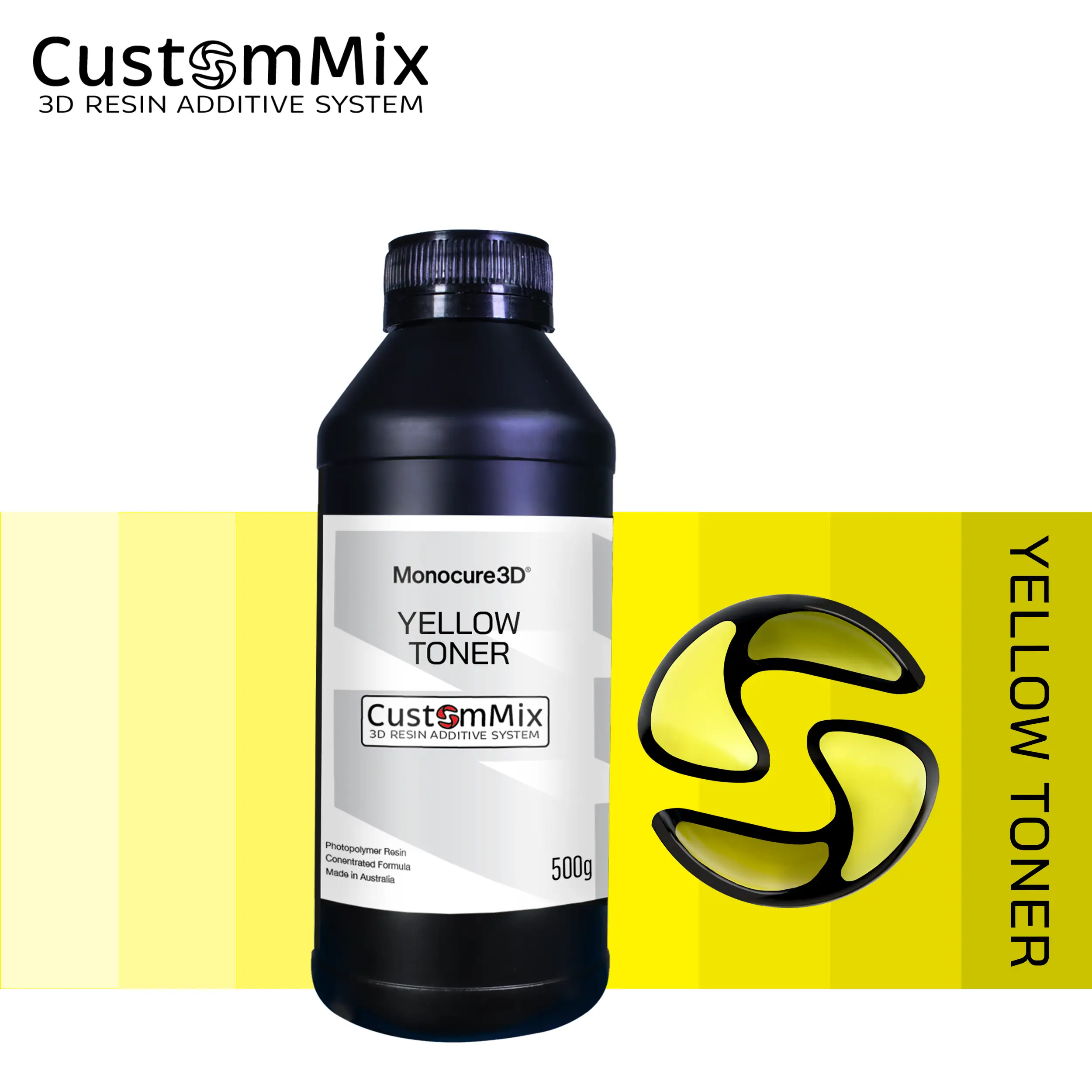
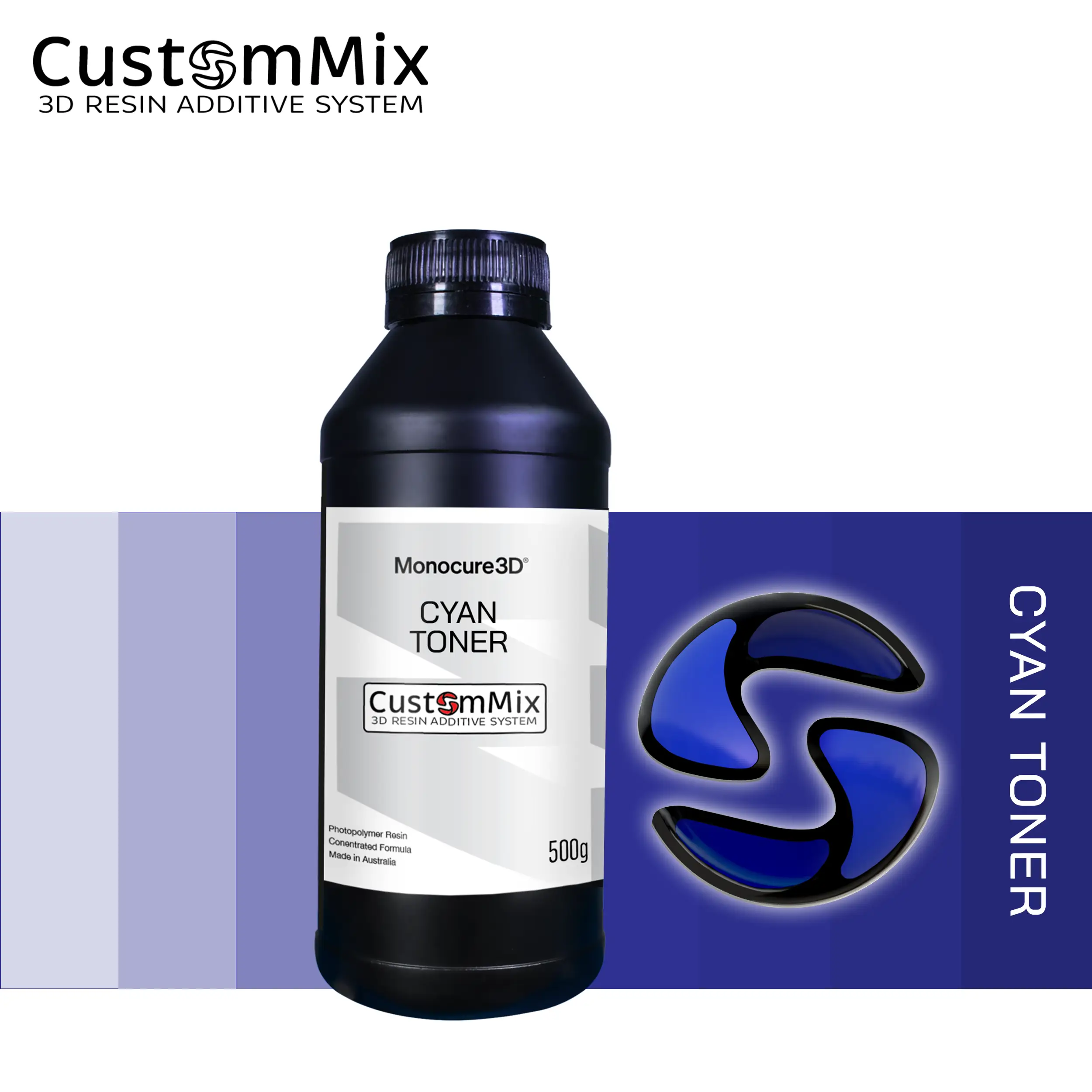
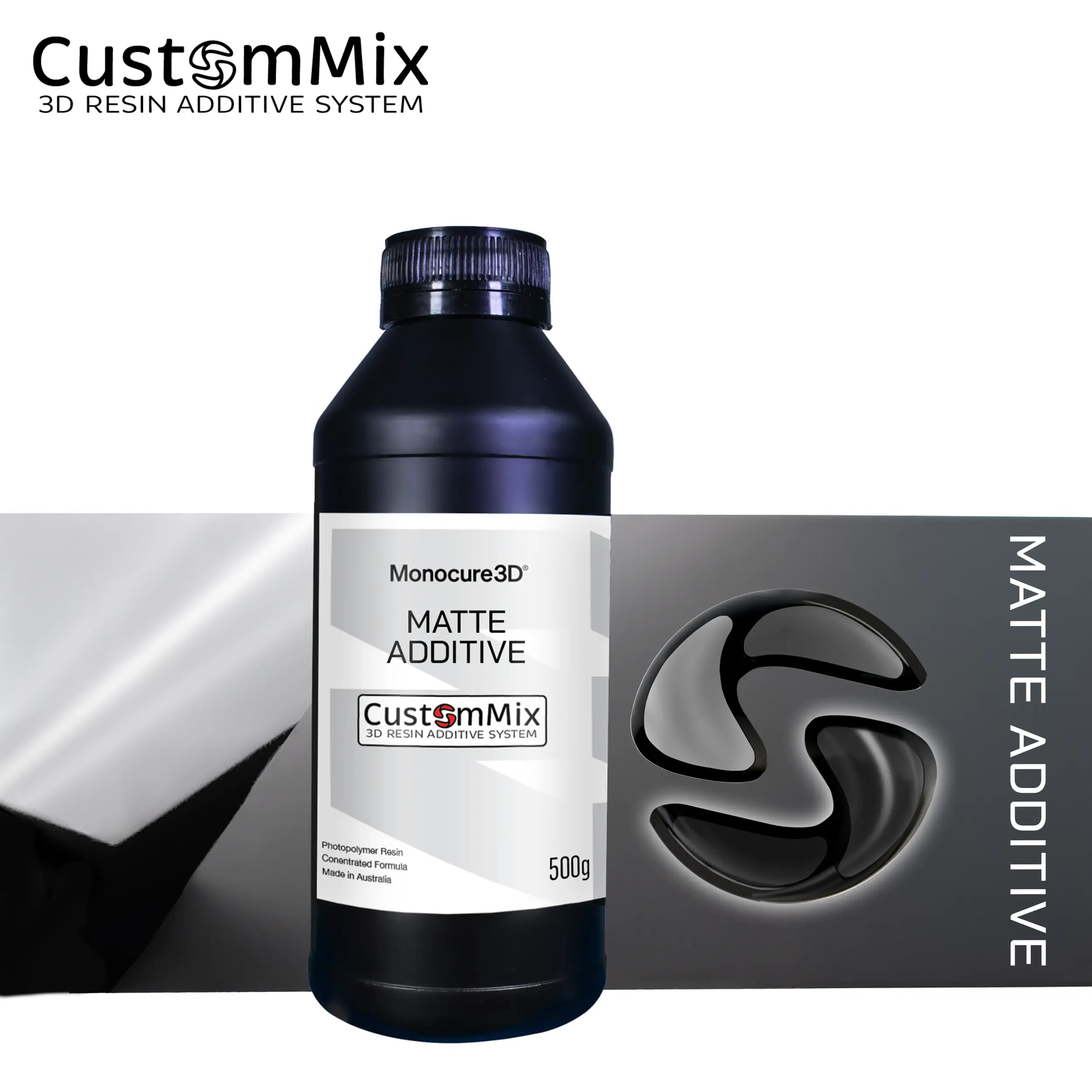
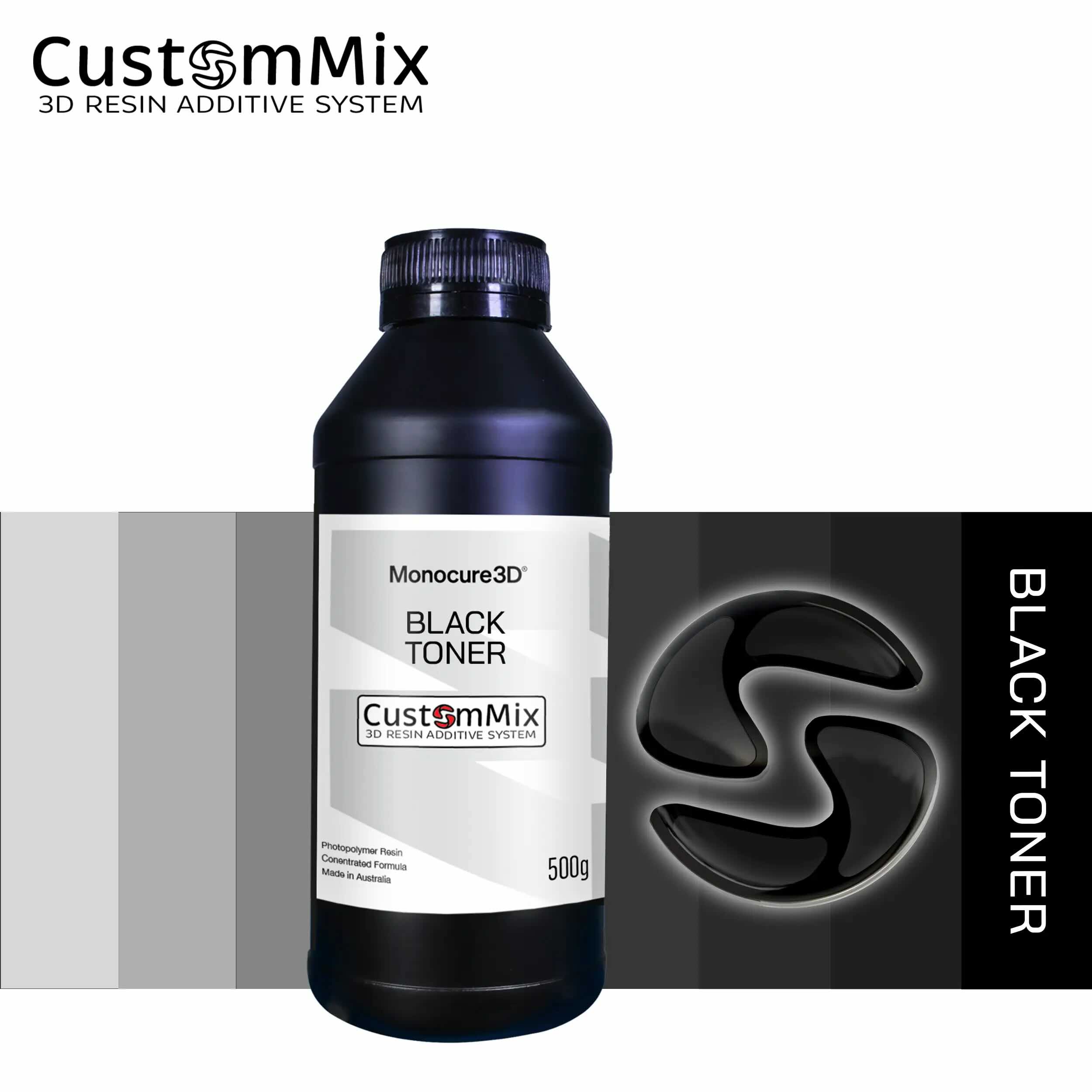
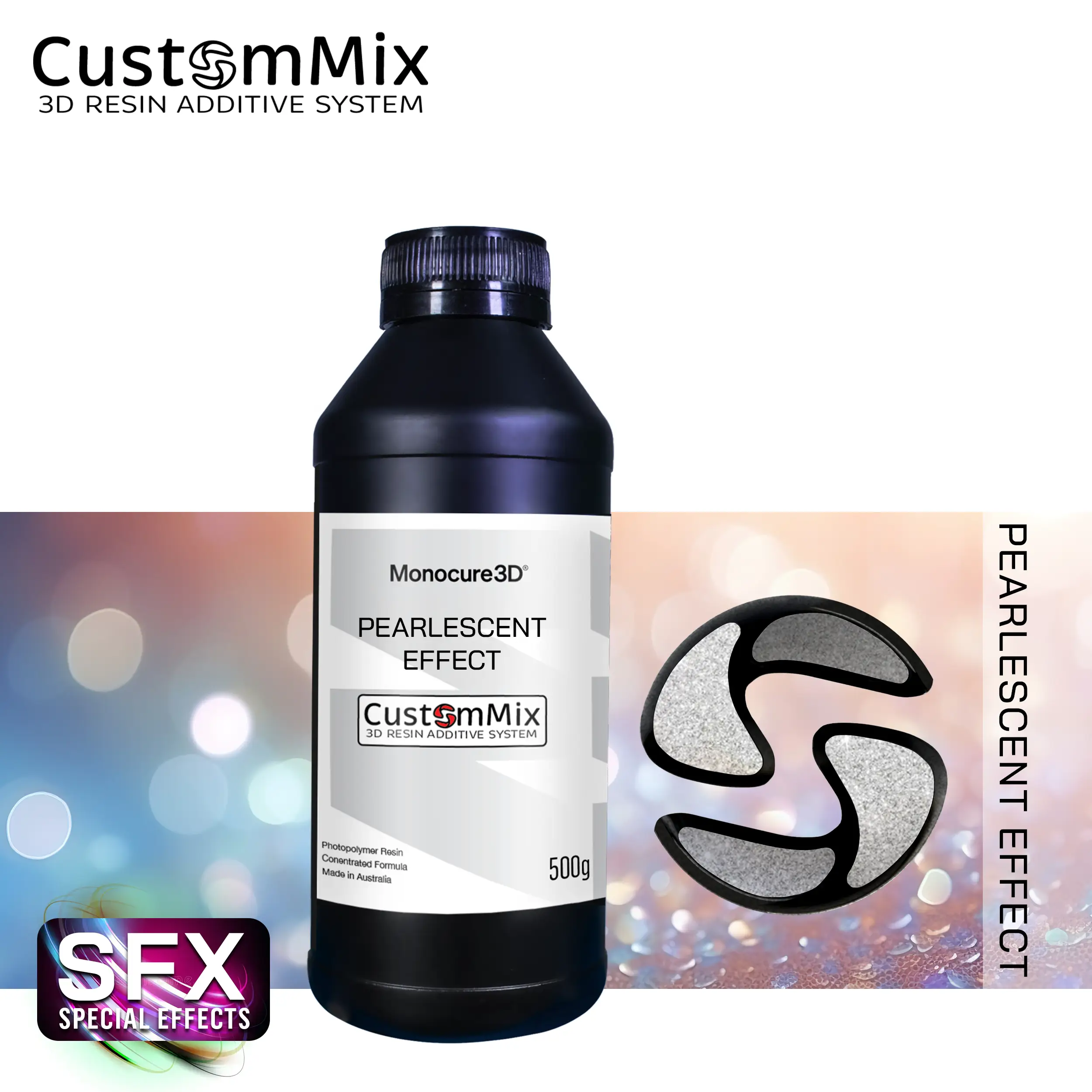
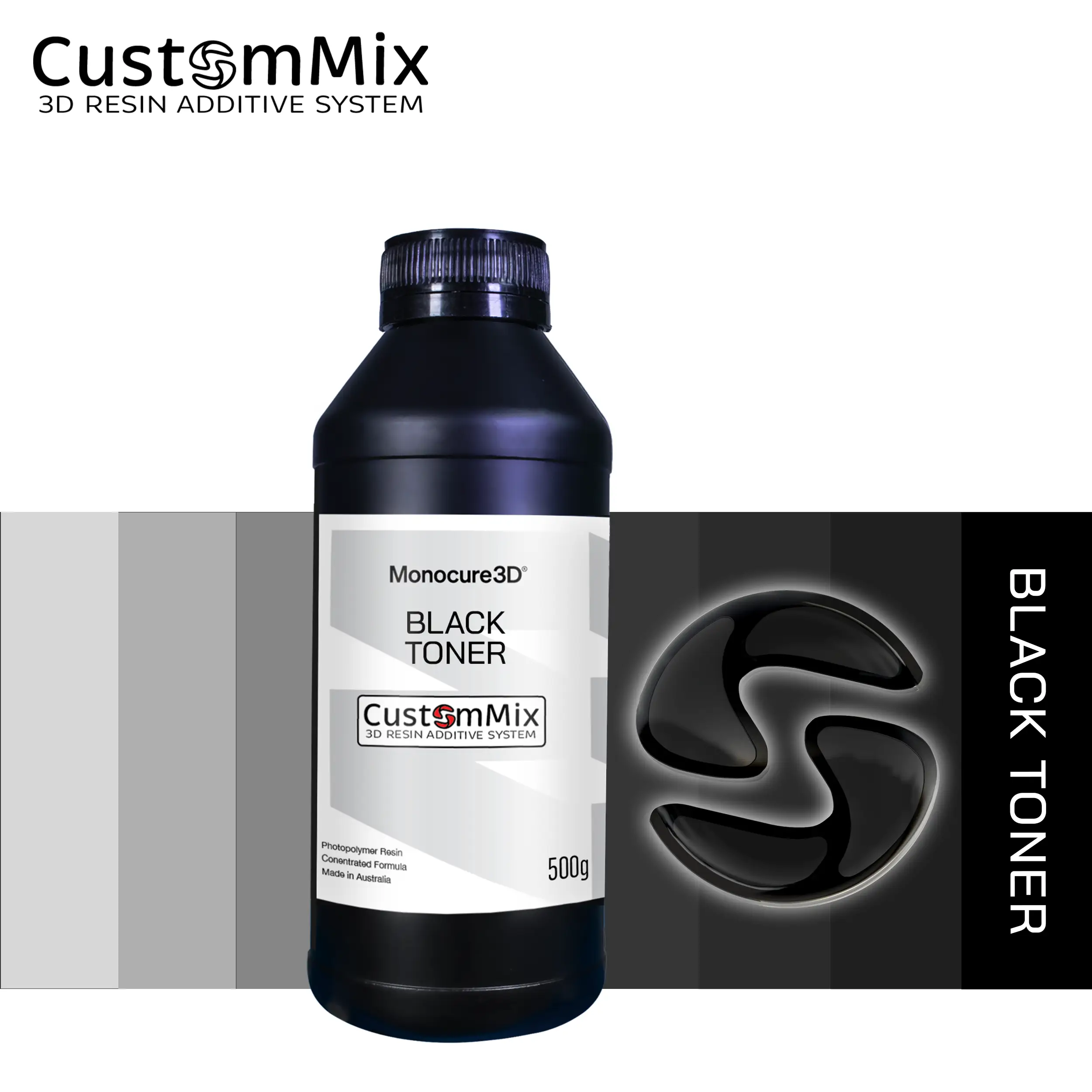
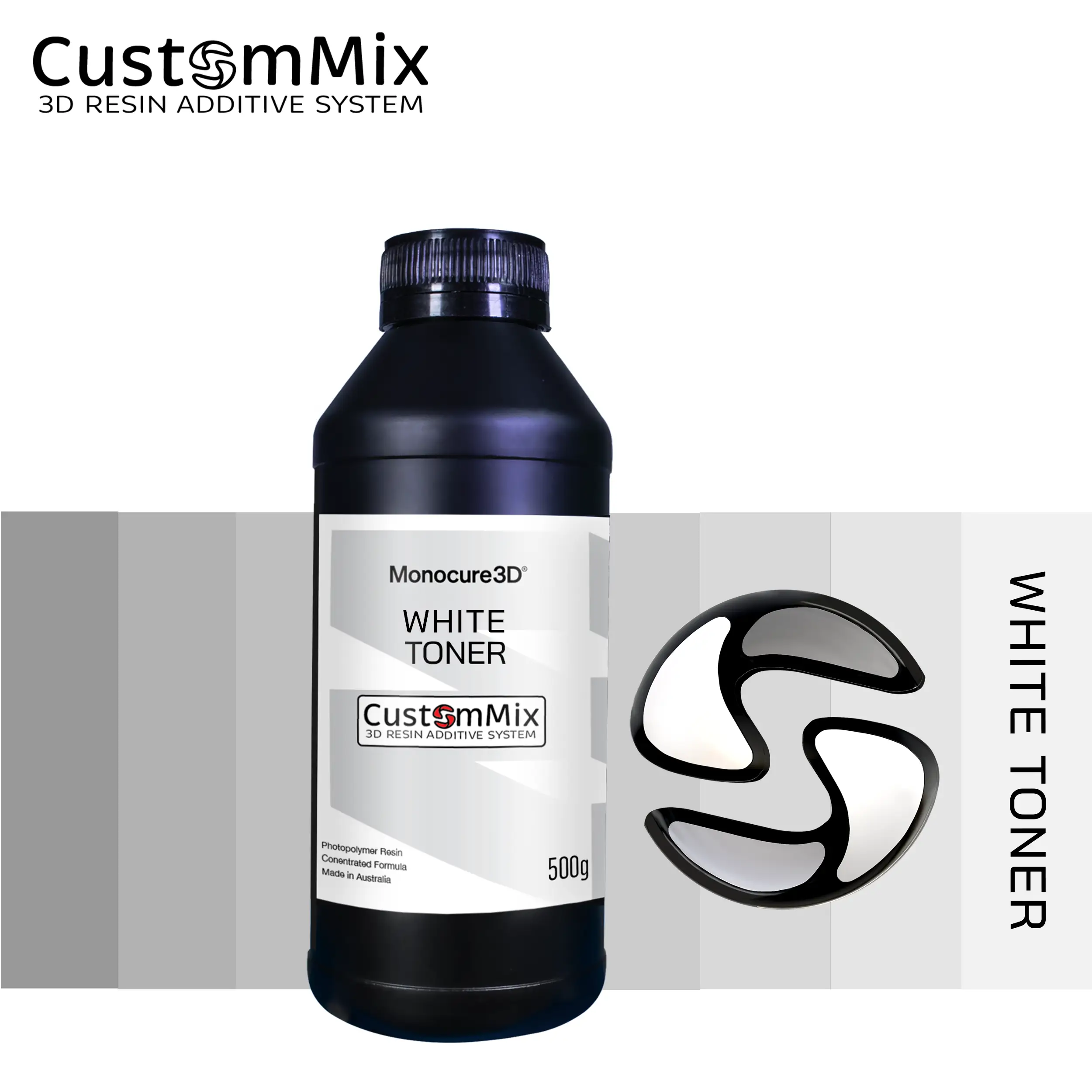
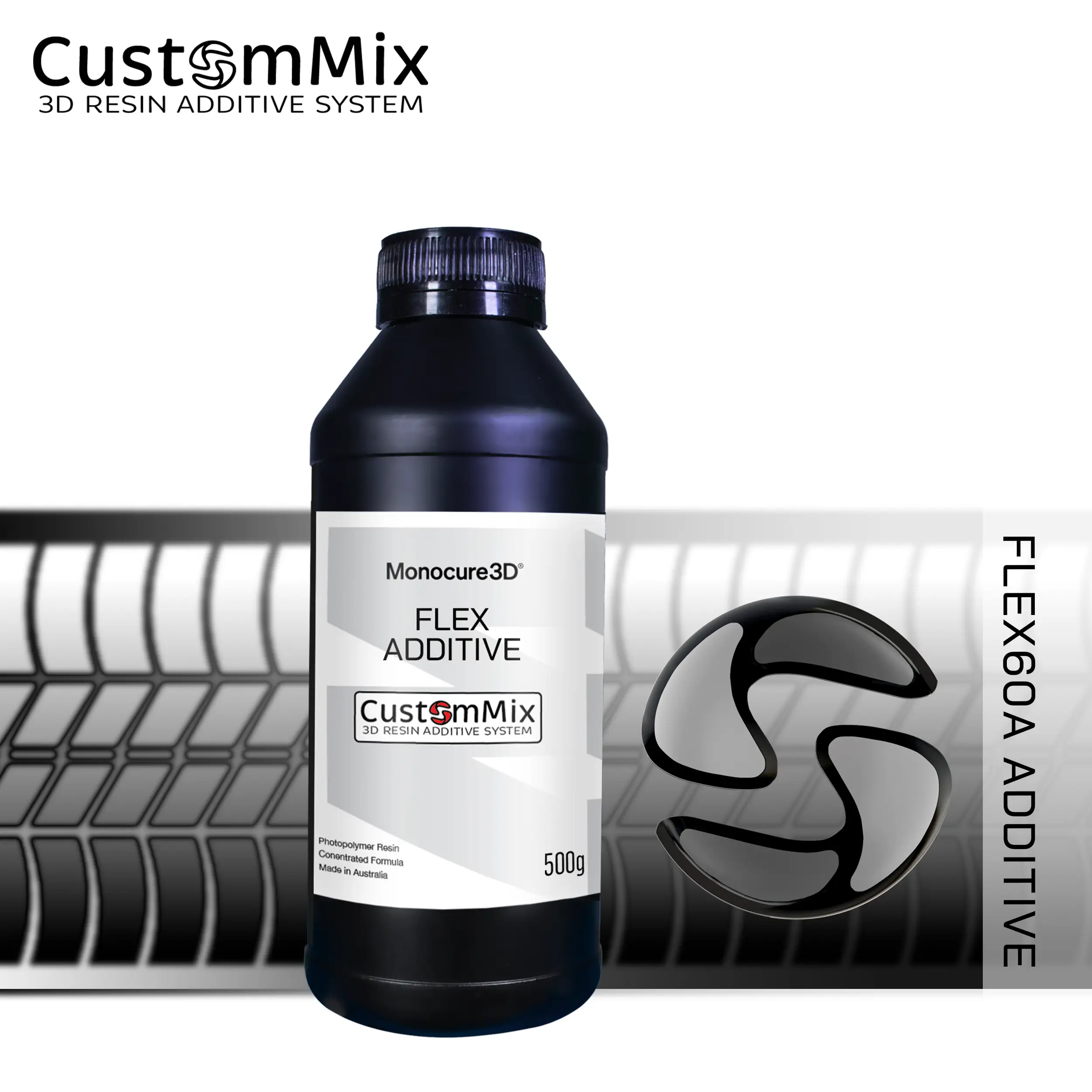
Select the CustomMix additives and or toners you want to use. You can combine multiple options, but we recommend a maximum of four for best results.

Select a colour
If you choose colour toners, select the required RAL colour from the dropdown list to generate the correct colour formula.

Mix using the formula
Follow the CustomMix formula shown. Use digital scales to accurately weigh each component before mixing and printing.
CustomMix ResinBot
Here is your CustomMix formula
| Component | Amount (g) | Percentage (%) |
|---|---|---|
| Base resin | 0 | 0 |
| Matting additive | 0 | 0 |
| Flex additive | 0 | 0 |
| Thinner additive | 0 | 0 |
| Special effects additive | 0 | 0 |
| Cyan toner | 0 | 0 |
| Magenta toner | 0 | 0 |
| Yellow toner | 0 | 0 |
| Black toner | 0 | 0 |
| White toner | 0 | 0 |
| Total | 0.00 | 100.00 |
Step-by-Step Guide
1. Start with a clear base from our range
2. Enter the amount of resin you want to create
3. Use ResinBot to formulate your resin
4. Weigh the materials using scales
5. Mix with an electric mixer, hand stir, or shake in an empty bottle
6. Run a calibration print to dial in the resin settings